High-Quality Compression
Reduce image size without sacrificing visual quality. Our image compression keeps photos and graphics clear and sharp while creating smaller files that are easier to store and share.
 ImageCompress
Reduce image size with no quality loss.
Drag & drop your images here, or click to upload
Up to 20 images, max 1 GB each.Your files are automatically deleted within 24 hours for better privacy protection.
Our free online image compressor automatically analyzes each image and applies optimal compression settings to shrink image size while maintaining high visual quality.
Reduce image size without sacrificing visual quality. Our image compression keeps photos and graphics clear and sharp while creating smaller files that are easier to store and share.
Save time by compressing multiple images in one go. The image compressor processes your entire batch together instead of handling each file individually.
Compress JPG, PNG, GIF, WebP, and HEIC images online with ease. Whether you’re working with photos, graphics, or other image files, there’s no need to convert formats before compression.
Shrink images quickly right in your browser without downloading or installing software. Our online image compressor makes it easy to compress pictures in just a few clicks.
Compress images online for free with no watermark added to your files. Enjoy simple, high-quality image compression without paying for basic compression features.
Uploaded images are automatically deleted within 24 hours to protect your privacy. Compress your files online without worrying about them being stored permanently.
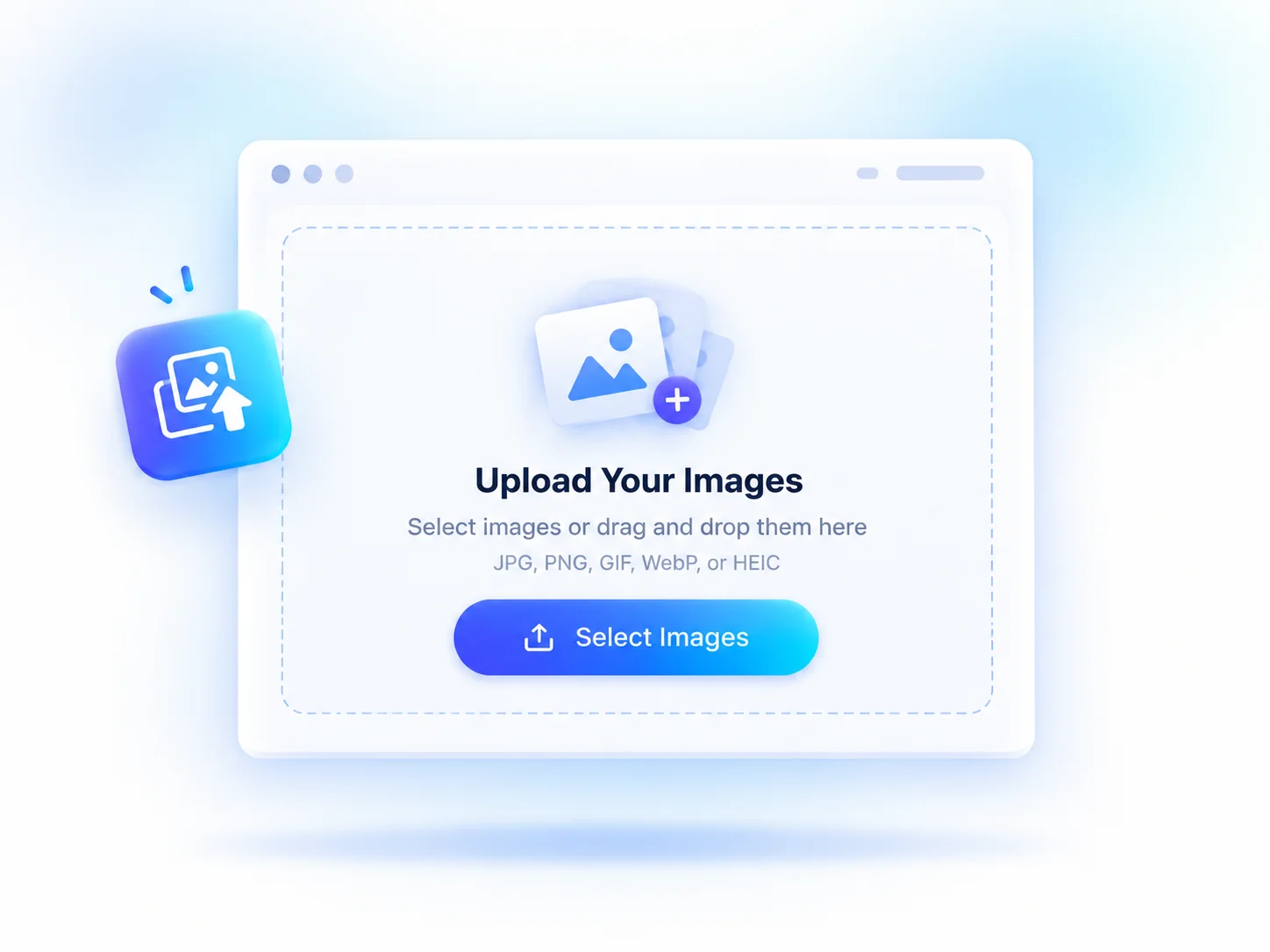
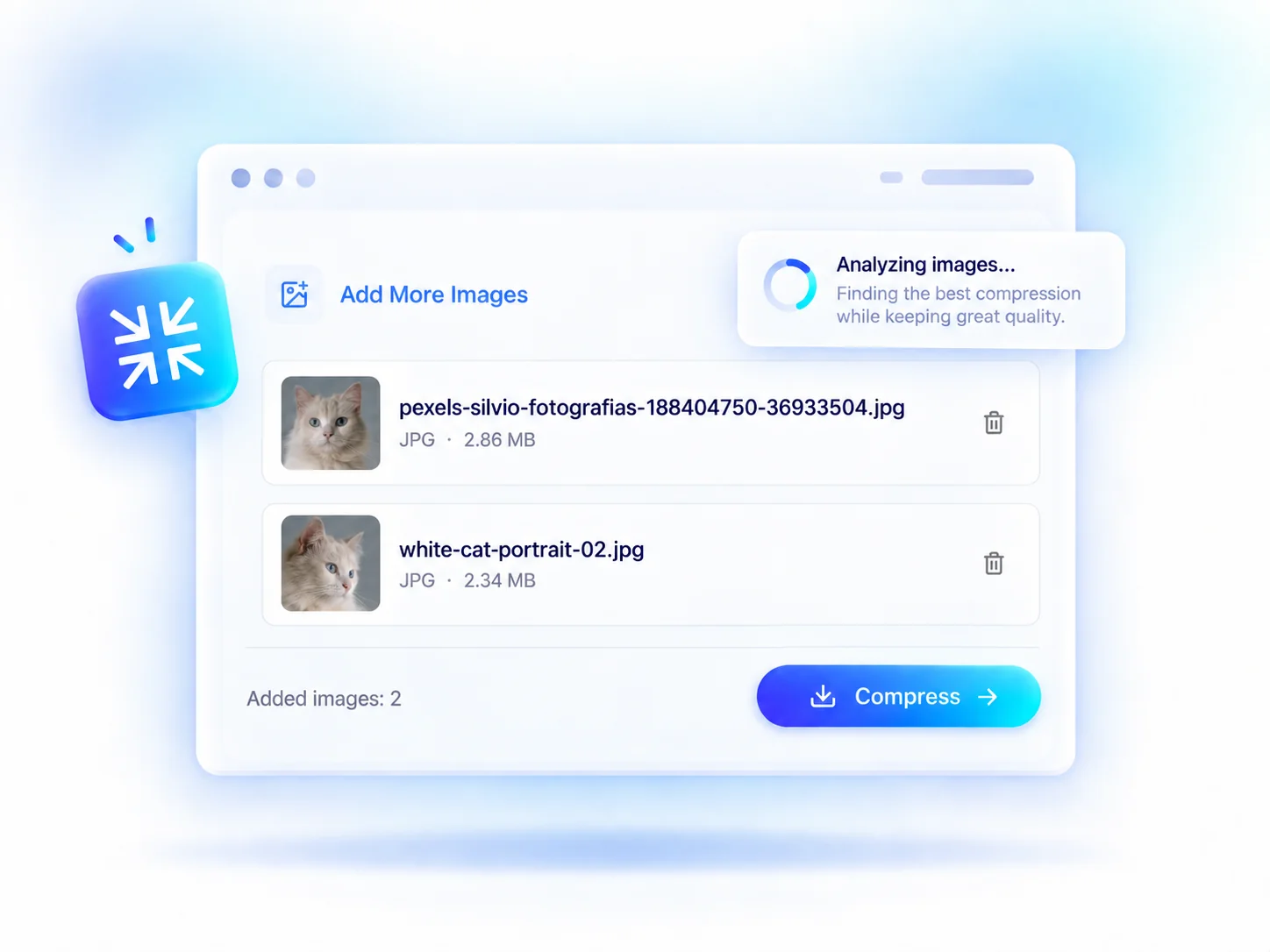
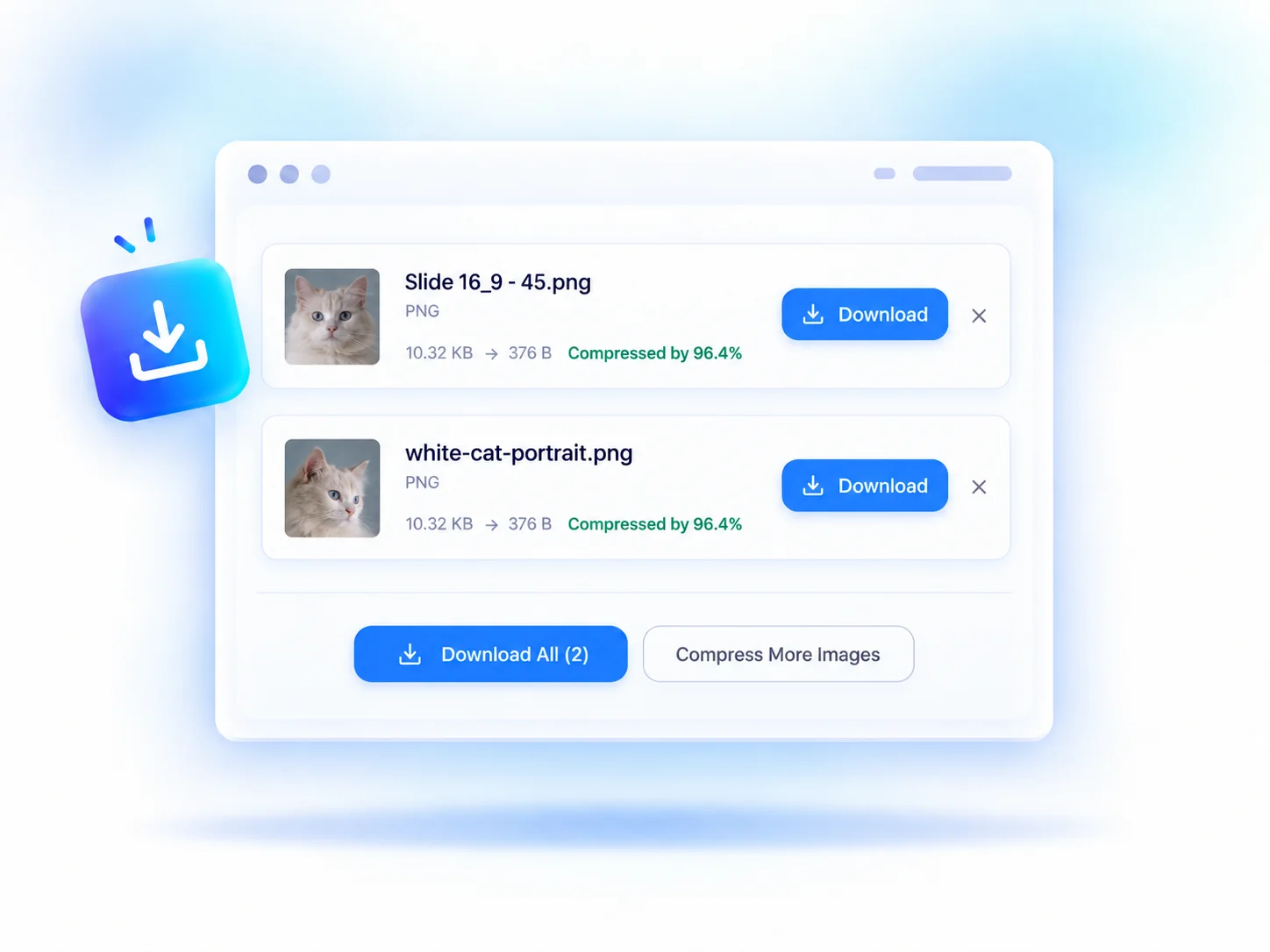
Click “Select Images” to upload your photo. You can select multiple images and let our image compressor process them in one batch.
ImageCompress automatically analyzes each image and applies the optimal compression settings to reduce image size while maintaining high quality.
Once the image compression is complete, download your compressed images immediately and enjoy smaller files ready to use or share.
Our image compressor uses automatic image optimization to reduce image size while maintaining high visual quality.
JPEG uses lossy compression, making it well suited for photographs and images with rich colors and fine details. Our JPG compression reduces unnecessary image data to create smaller images while maintaining a good balance between size and visual quality.
PNG is widely used for graphics, screenshots, logos, and images with sharp details or transparency. PNG compression optimizes image data to create smaller PNG files while keeping graphics clear and visually consistent.
WebP supports efficient lossy and lossless compression and is designed to deliver high-quality images at smaller sizes. Our WebP compression further optimizes these files for a balance of compact size and visual quality.
GIF is commonly used for animations, reactions, and simple graphics. GIF compression reduces the amount of data needed to store the image, helping create smaller files while keeping animated content usable and visually clear.
HEIC is a high-efficiency image format commonly used for photos captured on iPhone and other Apple devices. Compressing HEIC images helps reduce already-efficient photo files further while preserving the detail and quality that matter.
Smaller images are faster to load, easier to share, and simpler to store. See how image compression can make a difference.
Large images can slow down websites, online stores, and portfolios. Image optimization makes images lighter, reducing the amount of data each page needs to load and helping your website load faster.
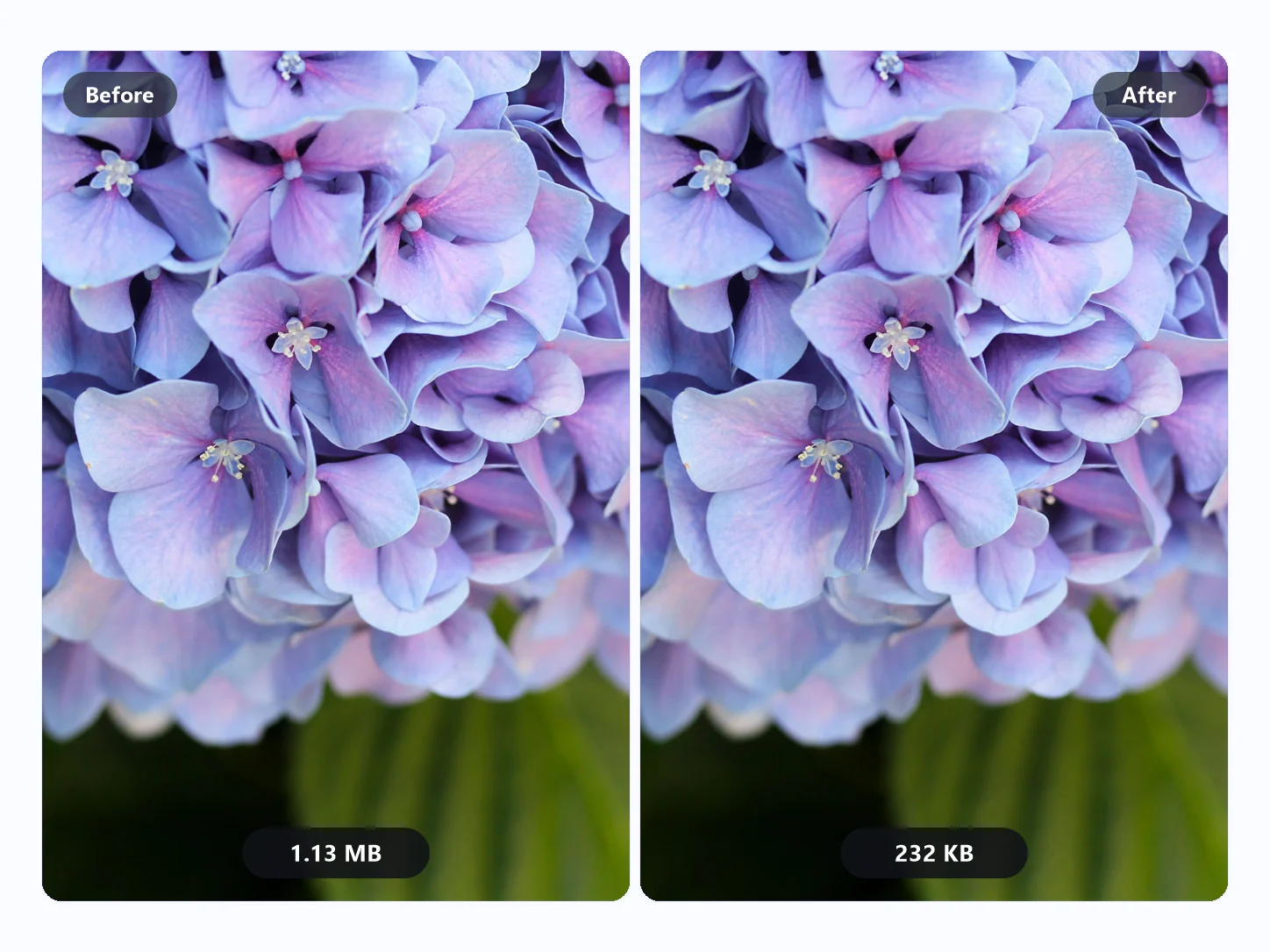
Many websites, forms, apps, and online platforms limit the size of image uploads. Using our free image compressor helps reduce image size before uploading, making it easier to meet file limits without having to resize or convert your images.
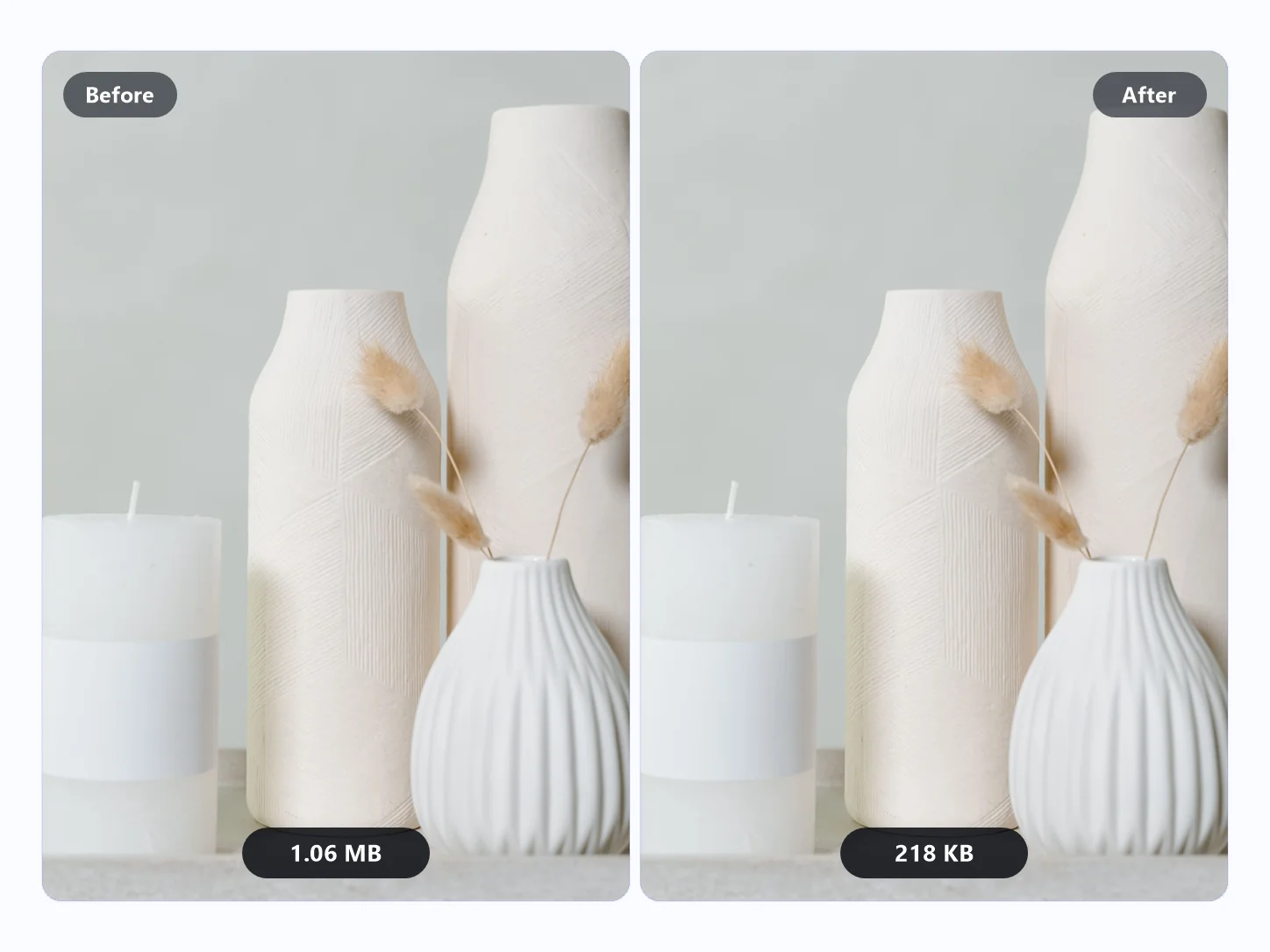
Smaller images are easier to send through email, messaging apps, and social media. Image compression makes sharing photos and graphics faster, especially when sending multiple files.
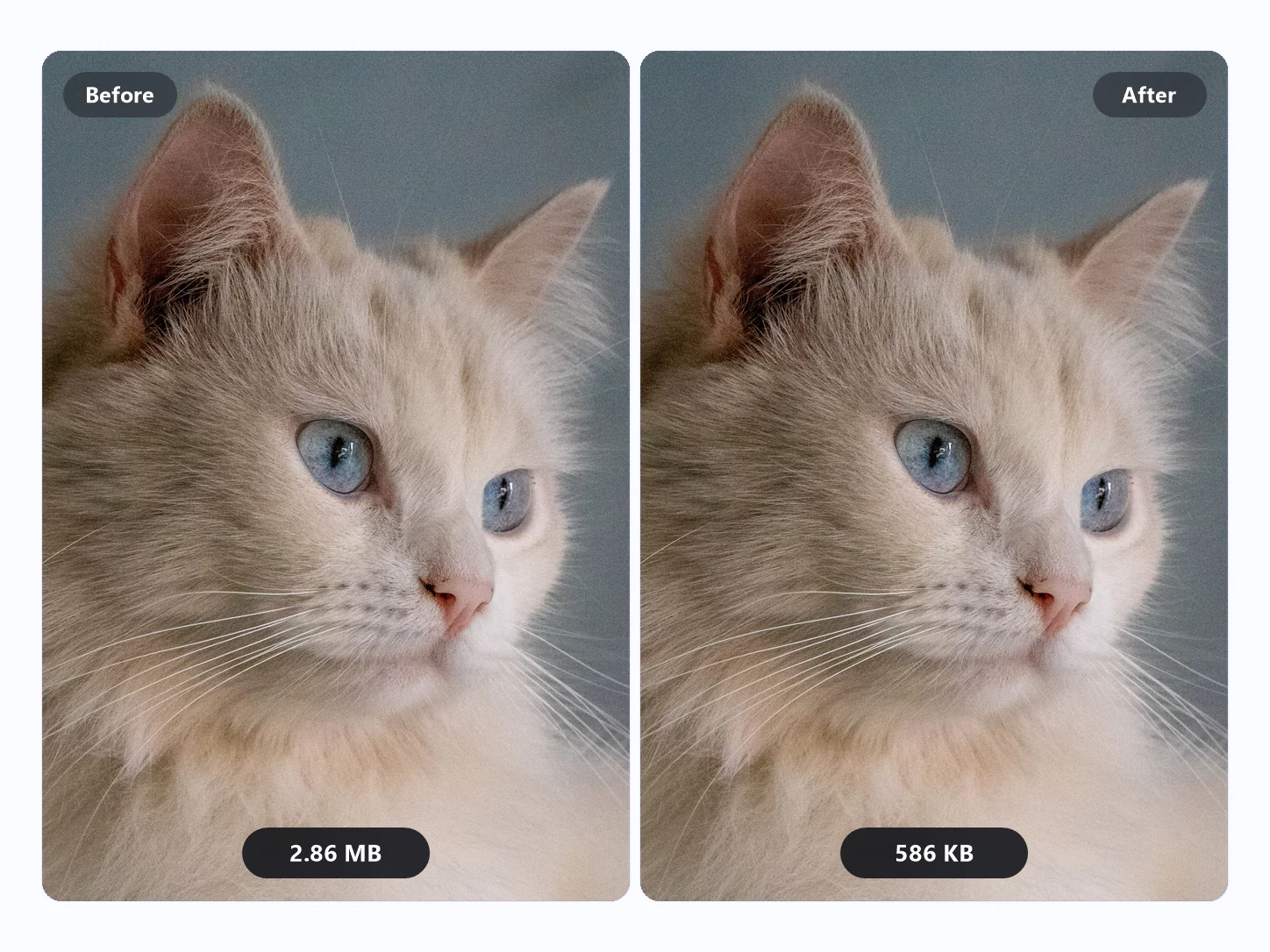
Large photo collections can quickly take up space on your device or cloud storage. A photo compressor lets you compress images in batches, so you can keep more photos without filling up your storage.
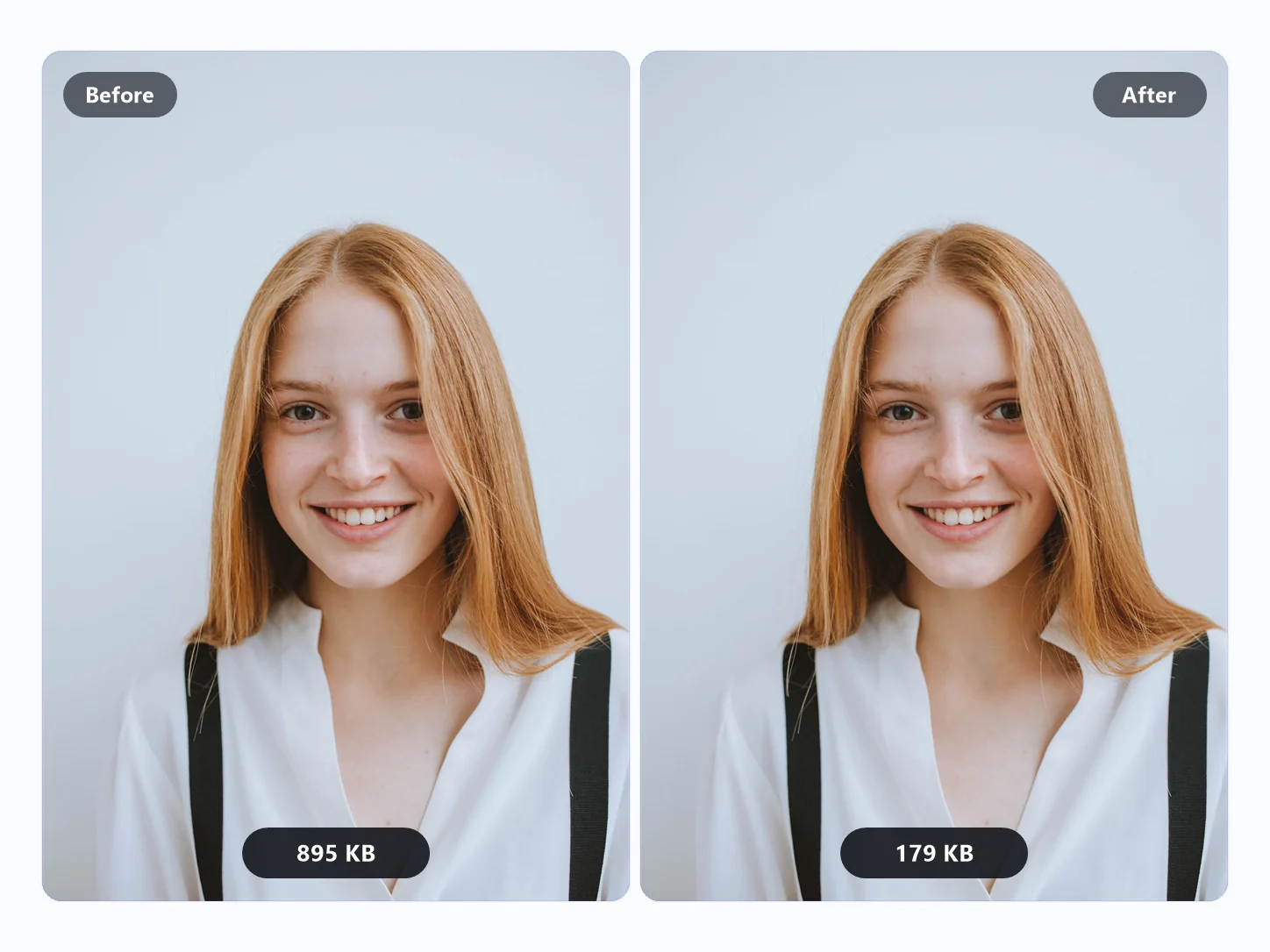
“Large images used to slow down the sites I was building. Now I can make them much smaller without noticeably sacrificing quality, and pages feel faster right away.”

“Sharing high-resolution photos was always a hassle because the files were so large. Batch compression makes them much easier to send while keeping the details looking sharp.”

“I regularly need to upload images to platforms with strict file size limits. Instead of resizing everything manually, I can compress multiple images at once and get them ready to upload in seconds.”

An image compressor reduces image size by optimizing image data while preserving visual quality. Smaller images can load faster, use less bandwidth, improve website performance, and provide a smoother experience across desktop and mobile devices.
Not necessarily. A good image compressor like ImageCompress balances file size and visual quality, helping reduce image size with minimal visible quality loss.
Yes. ImageCompress is a free online image compressor with no watermark added to your compressed images.
You can batch compress up to 20 images at once. The image compressor processes multiple files together, making image compression faster and more convenient.
Compression results vary by image, but some files can become 80–90% smaller. This can reduce large images from MB to KB, depending on the original file and format.
Yes. This picture compressor works directly in your browser on phones, tablets, and computers, so you can compress images online without installing software.
Some images are already highly optimized, leaving less data for image compression to reduce. Results can vary depending on the image format, content, and original image size.
Use our AI image compressor to reduce image size in seconds while keeping your images clear and high-quality.
Compress Images Now